

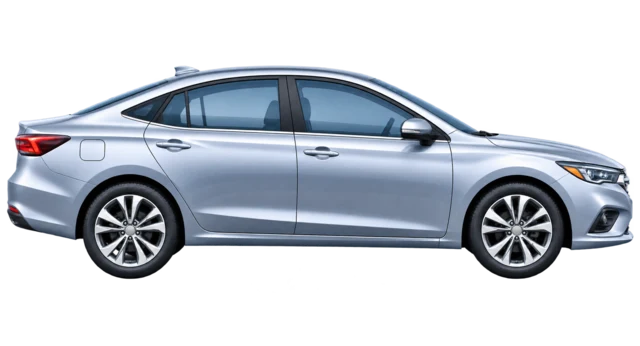
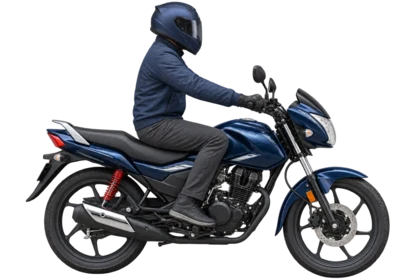
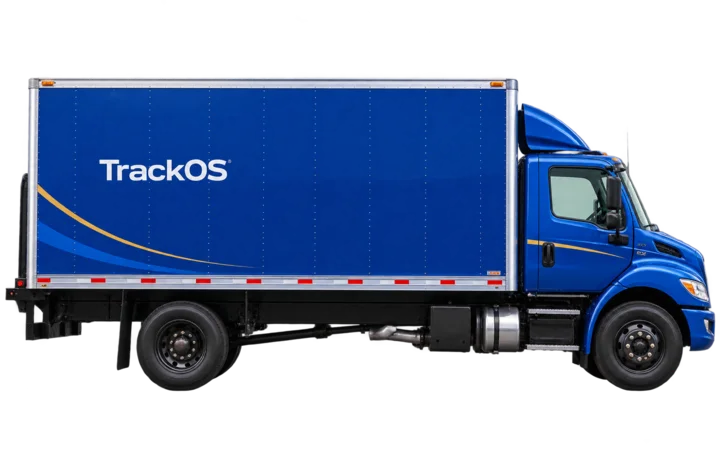
See the latest reliable position and the context received from the tracker.
TrackOS for live fleet visibility.
Know where every vehicle is, understand what changed and keep the complete journey available from one reliable operating view.
Live GPS trackingContextual alertsAIS-140 integration
One connected view of every vehicle, event and journey.
- 01Live location
- 02Vehicle state
- 03Route playback
- 04Fleet reports
A complete operating context
The map tells you where. TrackOS explains what is happening.
Vehicle tracking becomes useful when location, movement, ignition, alerts and history tell one consistent story. TrackOS brings those signals together without crowding the screen.
See every platform capabilityOpen configured alerts with vehicle, time and location attached.
Move into playback, stops and reports when deeper review is needed.
TrackOS in action
Your fleet. One clear view.
Track vehicles, check alerts and replay journeys.
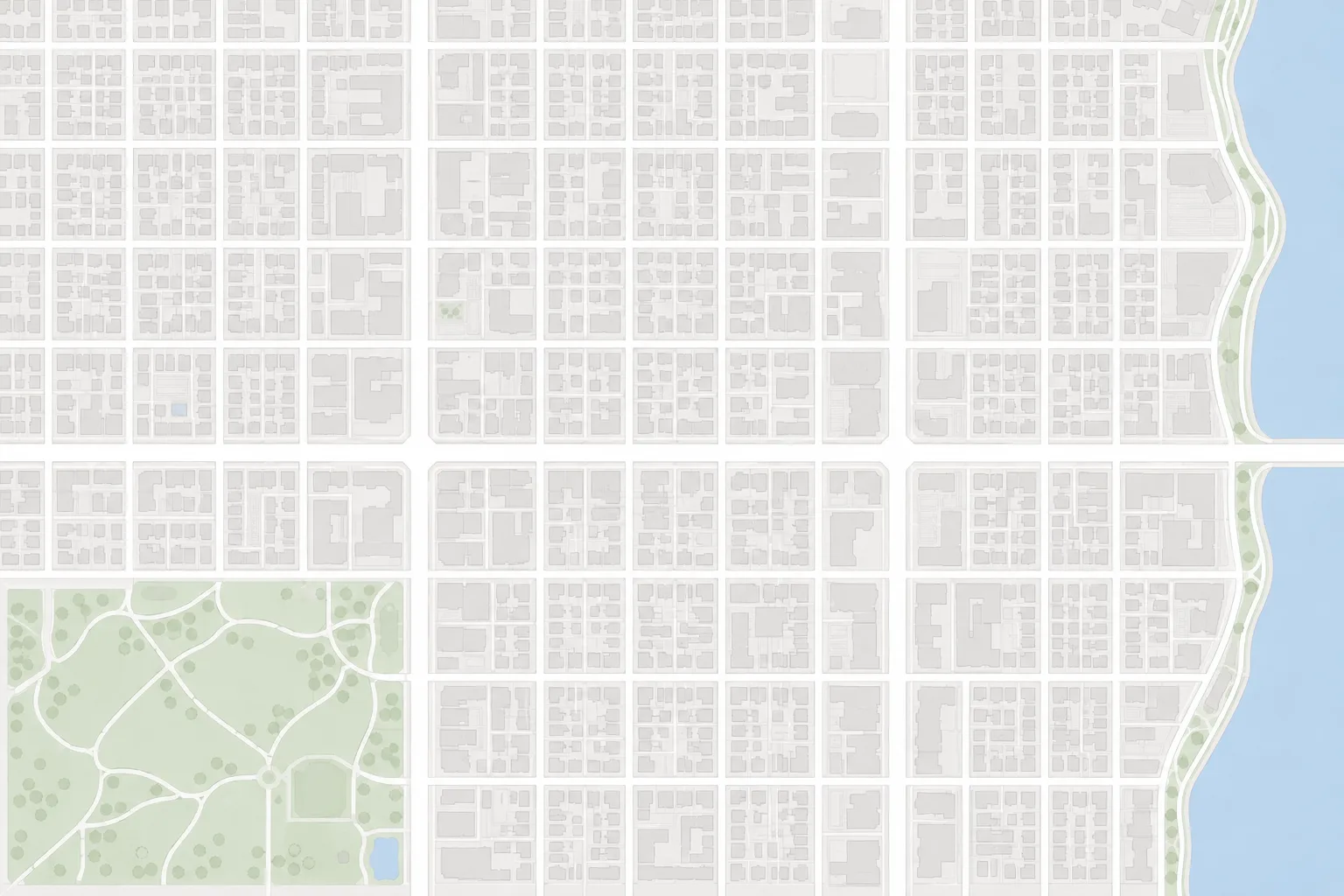
Speed alertSelected vehicle · Example event
Know where your vehicles are.
See the fleet at a glance. Keep the vehicle and its route in view.
MovingParked
See what needs attention.
Find the vehicle, see where the event happened and review the alert in context.
Speed alert
Look back at the journey.
Follow the route from start to finish. Pause or move through the timeline for a closer look.
Journey route

Live fleet tracking
Follow one vehicle without bringing the whole fleet into the way.
The dashboard gives you the operating picture. Focused live tracking removes unrelated vehicles, follows the selected marker and keeps its current details and address in reach.
- Automatic refresh for the latest available tracker data
- Manual refresh through the same protected data path
- Direction updated from valid course or position change
Events with context
An alert should explain the moment, not create another search.
TrackOS connects supported vehicle events with identity, time and location so the next action begins with context.
Explore alerts and notifications
Event feed Monitoring
!Overspeed eventVehicle and location attached
↗Ignition changedState transition recorded
~Movement detectedJourney activity available
Journey intelligence
When the vehicle stops, the operational record remains.
Playback, stops and reports turn past movement into a clear sequence that can be reviewed without guessing from scattered GPS points.
09:10Journey startedFirst confirmed movement
11:35Operational stopStop preserved in sequence
14:20Journey completedHistory ready for review

AIS-140 integration
A controlled path from compatible hardware to fleet visibility.
TrackOS can receive compatible AIS-140 location and event data, validate supported packets and surface reliable records through the same tracking experience.
Explore AIS-140
01Confirm hardwareVendor, model and firmware
02Validate protocolPackets, fields and ACK rules
03Connect operationsMap, events and history
Final compatibility depends on the selected device, protocol documentation, real samples and required approvals.
TrackOS solutions
One engineering discipline, shaped around different operations.


Hardware compatibility
Built around the tracking setup your fleet actually uses.
TrackOS connects with compatible GPS hardware through a verified integration process. Before deployment, we confirm that the vehicle data important to your operation is received accurately and consistently.
Live locationVehicle statusPower monitoringFleet alertsRoute historyLive locationVehicle statusPower monitoringFleet alertsRoute history
Available vehicle data depends on device capability, firmware, wiring and installation quality.
Discuss your setupDesigned for dependable operation
Clear access, controlled data paths and fewer hidden assumptions.
Account-scoped access
Users receive only the vehicles and data assigned to their account.
Validated device input
Incoming tracker data is identified and parsed before it becomes operational state.
Purpose-built mobile views
The app connects directly to protected backend services rather than depending on a web screen.
History with boundaries
Live state and historical records remain distinct so old data does not pretend to be current.
Frequently asked questions
Before you connect a fleet.
Clear answers about data, devices and deployment.
01What does TrackOS show on the live fleet map?
TrackOS shows the latest available vehicle position together with supported movement, speed, ignition and device context received by the platform. The exact fields depend on the tracker and installation.
02Can TrackOS work with my existing GPS tracker?
Possibly. Compatibility is confirmed against the exact tracker model, firmware, protocol document and real packet samples. A family name alone is not treated as a guarantee.
03Does TrackOS support AIS-140 devices?
TrackOS can integrate compatible AIS-140 location and event data. Final deployment depends on the vendor protocol, hardware, documentation, samples and required approvals.
04Can I use TrackOS on mobile and web?
Yes. TrackOS provides purpose-built mobile and browser experiences connected to the same protected platform services and account permissions.
05What information is useful before a demo?
Share your fleet size, vehicle types, operating area, tracker model if already purchased, and the decisions or reports your team needs from the system.
Start with your operation
Bring every working vehicle into one clear operating view.
Tell us what you track, which hardware you use and what your team needs to understand.
