Find your starting point
See location and vehicle state together, with the latest available tracker update.
THE TRACKOS PLATFORM
Busy roads. Changing plans. People waiting for answers.
Bring location, alerts and journey history together, so your team knows where to look next.
01 / LIVE FLEET VISIBILITY
Find a vehicle, check its latest update and follow its movement. Keep the details close when someone asks, “Where is it now?”
See location and vehicle state together, with the latest available tracker update.
Move into focused tracking when a delivery, delay or journey needs a closer look.
Continue into alerts or history to understand more than the position on a map.
02 / EVENTS & JOURNEYS
A notification is only the beginning. See the details around an event, then look back at the journey when you need the wider picture.
Review supported vehicle events with their time and location in reach.
Hosur Road, Bengaluru
Review movement and stops across a selected period, with the sequence kept clear.
Illustrative journey
03 / COMPATIBLE VIDEO TELEMATICS
Some moments need a closer look at the road. Compatible dashcam integrations can connect footage with the vehicle, time and location behind an event.
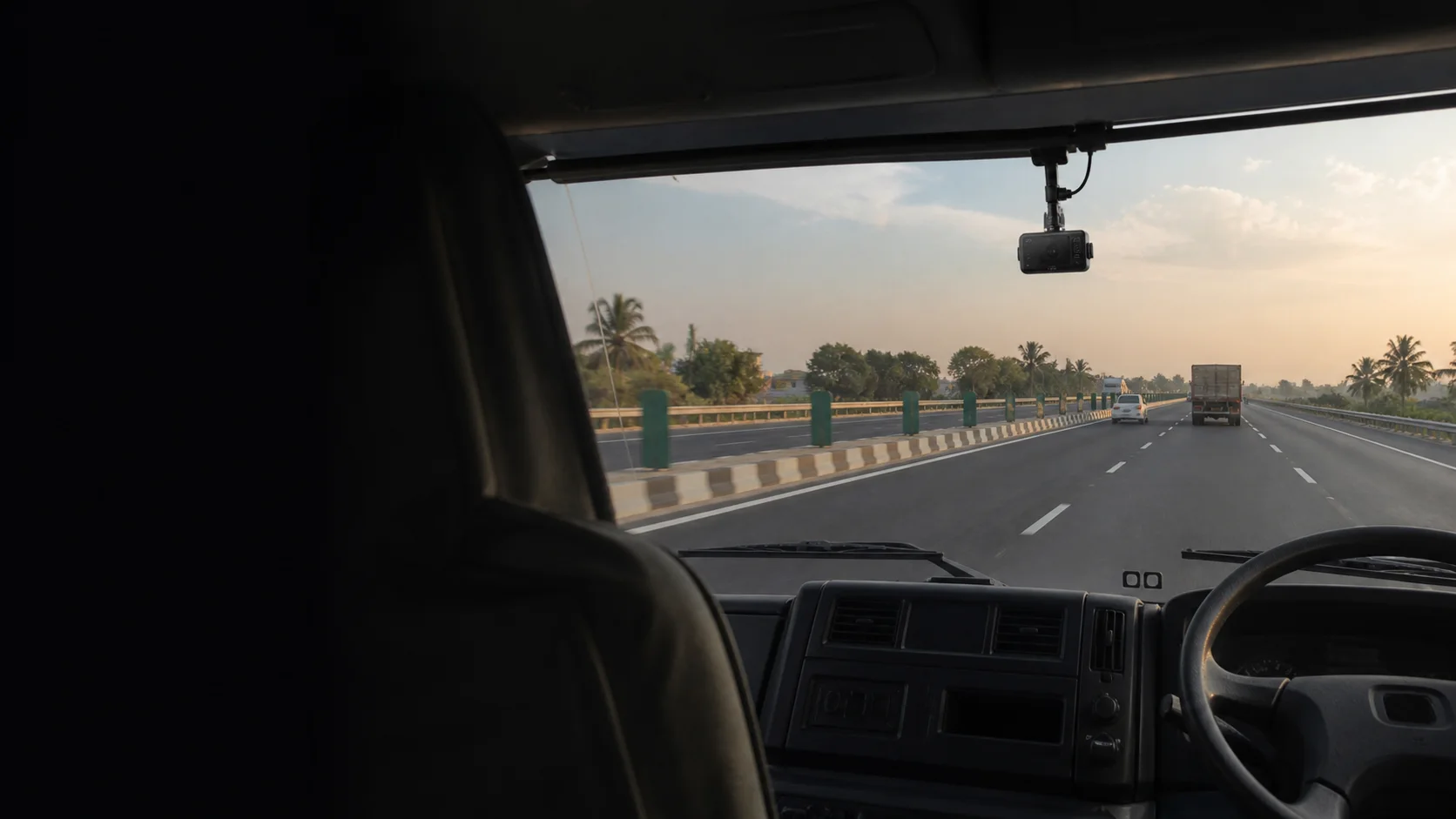
Let’s check your camera model, connectivity and supported workflows together.
Discuss dashcam compatibility04 / EVERYDAY FLEET RECORDS
Keep the records your team returns to, from distance reports to fuel entries and vehicle documents.
Review distance and operating records when planning the next day or checking a completed journey.
Distance & journey recordsKeep fuel entries associated with the vehicle, so the next review starts with the right record.
Vehicle fuel entriesKeep vehicle documents connected to their vehicle, ready for routine administration.
Vehicle documentation05 / MOBILE & WEB
Fleet questions don’t wait until you’re back at a computer. TrackOS brings vehicle information to purpose-built mobile and browser views, with access to the vehicles assigned to your account.
See the experience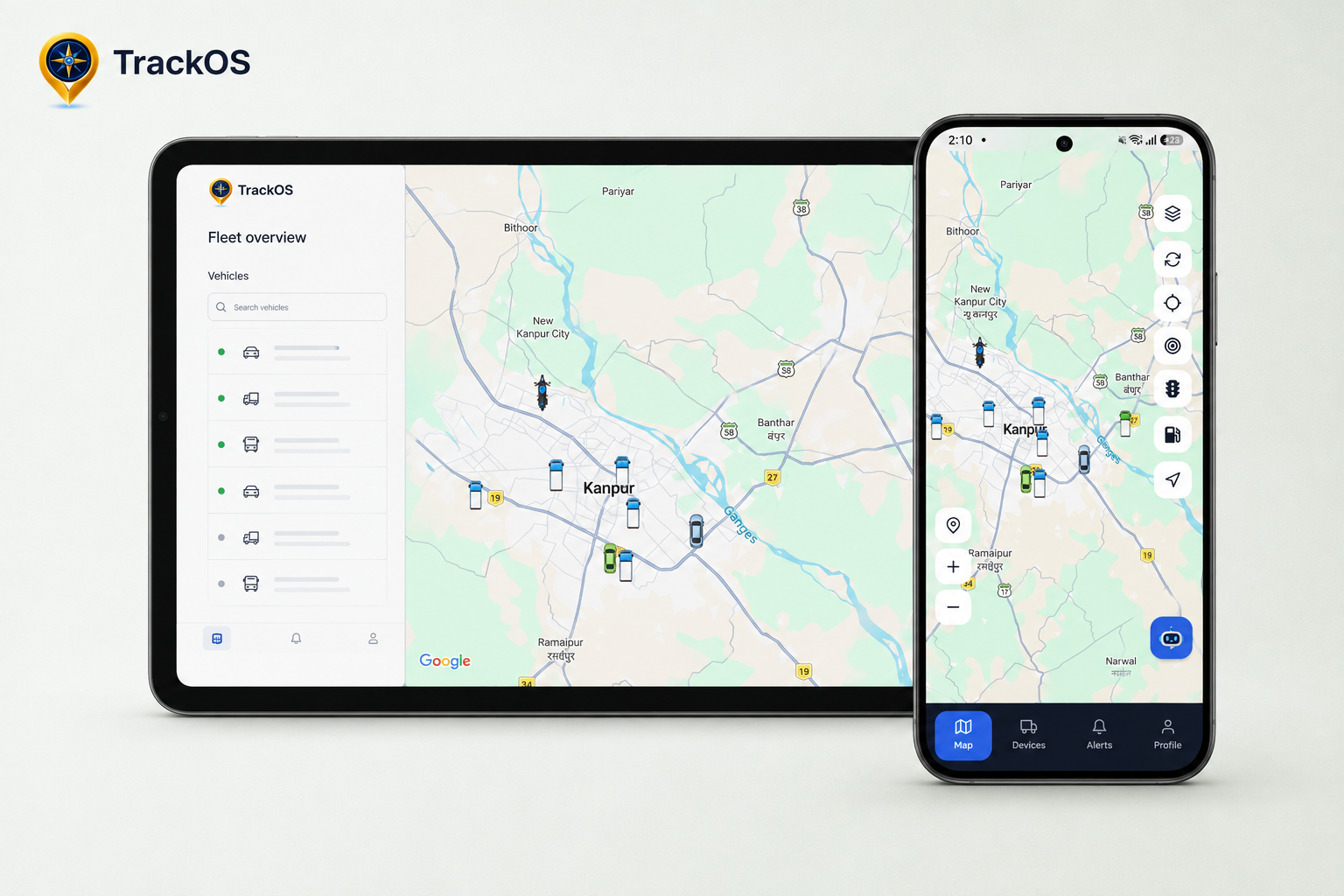
LET’S LOOK AT YOUR OPERATION
Tell us what you run, which devices you use and what your team needs to see. We’ll walk through the relevant TrackOS workflows together.
Book a platform walkthrough