

Logistics & distribution
TrackOS Fleet Solutions
See your fleet clearly, wherever the work takes it.
A truck may be making deliveries in the city, carrying material to a remote site or waiting longer than expected at a stop. TrackOS helps your team see where each vehicle is, how the journey is progressing and what needs attention.
Commercial fleetsIndustrial operationsPassenger and field vehicles
Current viewMovement with contextFleet connected
The working day
A fleet rarely follows a perfect plan.
Routes change. Vehicles wait. Drivers take diversions. Work moves between warehouses, customer locations and remote sites.
TrackOS keeps the latest vehicle movement, journey history and supported vehicle information together, so your team spends less time calling drivers or checking different systems.
Leaving the yardWorking the routeWaiting at a stopReturning with a record
Different fleets work differently
The road, the load and the daily question are never quite the same.
The information needed by a delivery manager is different from what matters at a mine, construction site or fuel depot. Choose an operation to see the working context.

Mining & heavy vehicles
Keep track of vehicles working beyond normal roads.
See the latest available movement of trucks and equipment operating between entry gates, loading areas and remote work zones. The exact information shown depends on the installed tracking hardware.Oil & gas operations
Follow vehicles between depots, sites and long remote routes.
Track tanker and service-vehicle movement across defined routes and operating areas. Journey records help the team review where a vehicle travelled and when it reached important locations.Construction fleets
See which vehicle is at which site.
Keep concrete mixers, material vehicles and service fleets organised across multiple projects. Teams can check current location and recent movement without relying only on phone updates.Passenger & field fleets
Keep daily routes easier to follow.
Monitor buses, cabs and field vehicles during repeated journeys. Operators can see the latest position, route movement and available vehicle status from one place.GPS with context
A location point should answer more than “Where is the vehicle?”
Is it moving? When was the position last updated? Which direction is it travelling? Where did it stop? What route did it take?
TrackOS keeps these details around the vehicle instead of showing an unexplained dot on the map.
Explore the platformCurrent stateMoving
Latest positionContext attached
Journey in progressLive view
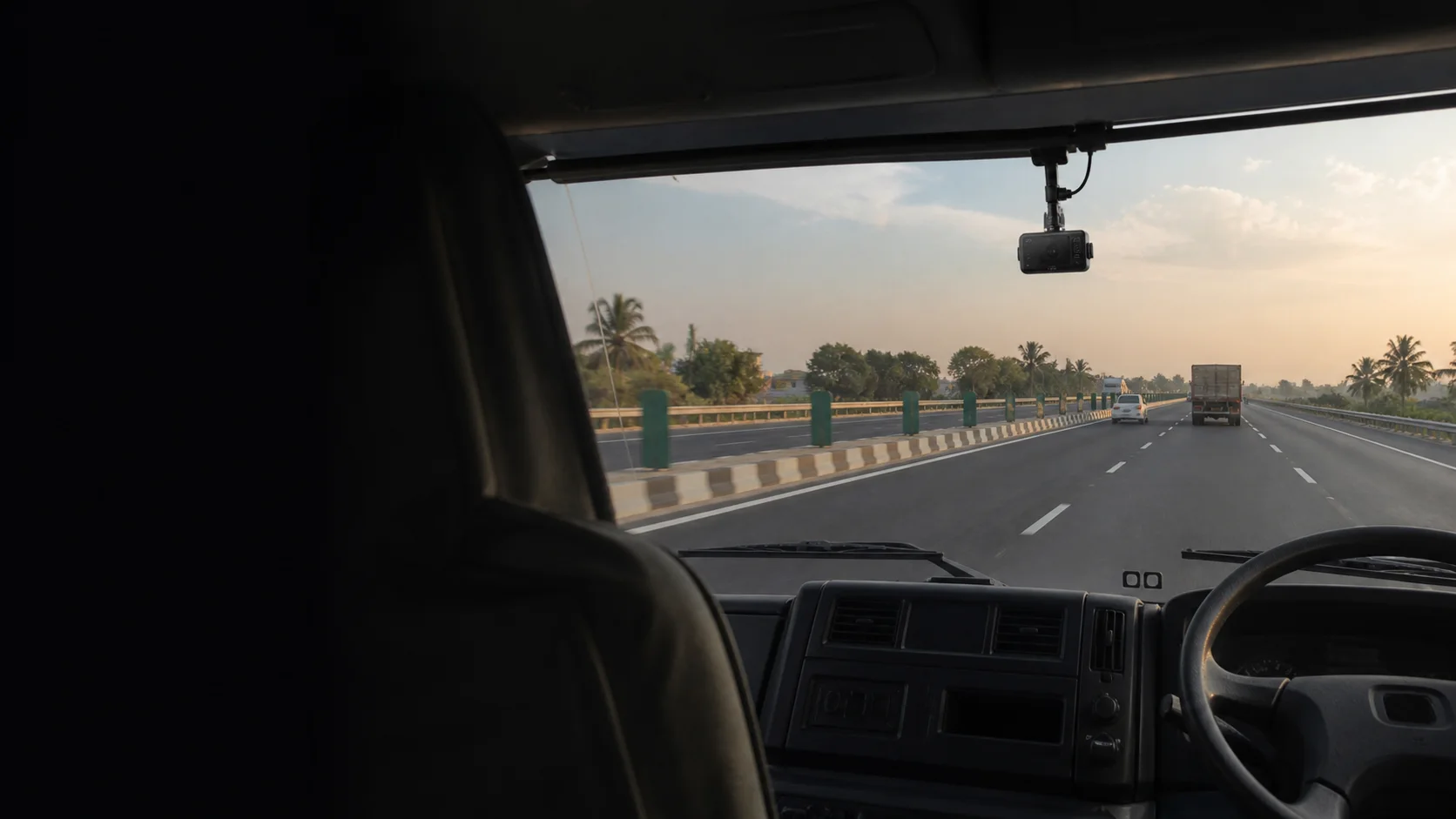
Compatible video telematics
Sometimes a location point is not enough.
A compatible dashcam can add visual context to a road event. When supported by the selected hardware and integration, footage can be associated with the vehicle, time and location involved.
Integration principleConfirm the camera and data path before promising the view.
Discuss dashcam compatibility VehicleTimeLocationEvent context
The connected fleet
Use the hardware you actually have.
A useful fleet system starts with confirmed source data. TrackOS brings supported inputs into a common operating view without pretending every vehicle or device sends the same information.
GPS devices
AIS-140 inputs
Compatible dashcams
Business systems
Built around real hardware
Start with the device installed in the vehicle.
Two trackers with similar names may send completely different information. The model, firmware, protocol and wiring need to be checked before deployment.
TrackOS only shows ignition, voltage, fuel, relay or camera information when that data is genuinely available from the connected device.
Review device compatibility01Vehicle and installationWhat is physically connected
02Device and protocolWhat the source actually sends
03TrackOS operating viewWhat can be shown with confidence
Start with how your fleet works
Tell us what moves, where it operates and what your team needs to know.
Share your vehicle types, operating area, existing hardware and the daily questions the system should answer.